What’s new in Metrology Gate
Metrology Gate 2.16 (March, 2024)
TWO NEW REPORTS, FILTERS, AND PROJECT EDITING WINDOW
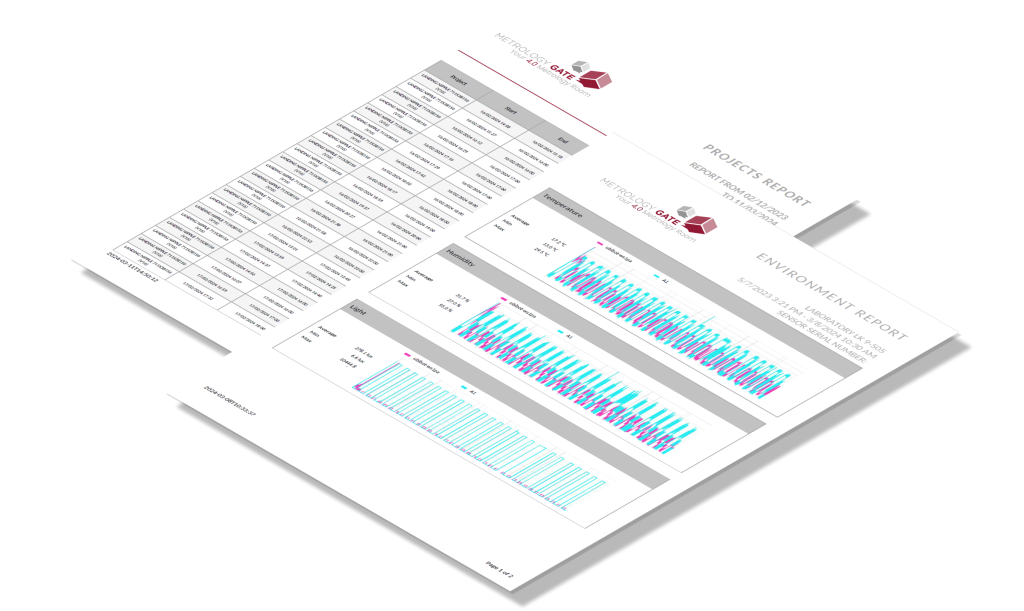
In this release we say hello to two new reports: Environment parameters report and (Only) Out of tolerance elements. In this way you can monitor the only critical elements you’d like to assess.
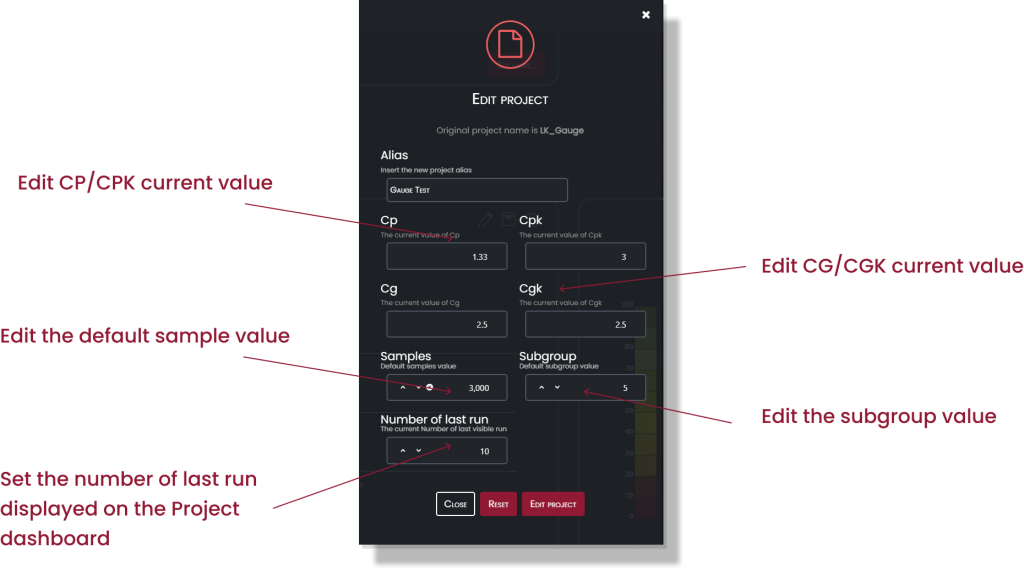
We improved the UI in the Edit project window. Now you can set CP/CPK current values, default Sample value, and edit the subgroup value.
Metrology Gate 2.15 (January, 2024)
NEW MANAGEMENT OPTIONS AND CONTROL CHARTS
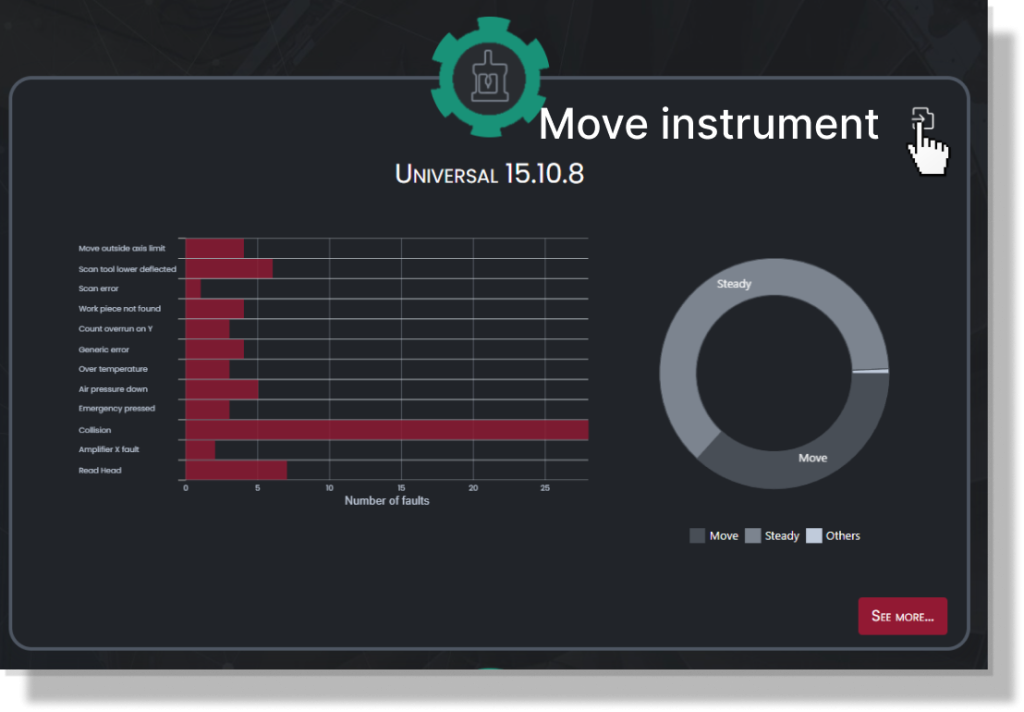
For this release, we have added some controls for departments and tools and enhanced the range of SPC tools. In addition, we have fixed some UI – UX issues.
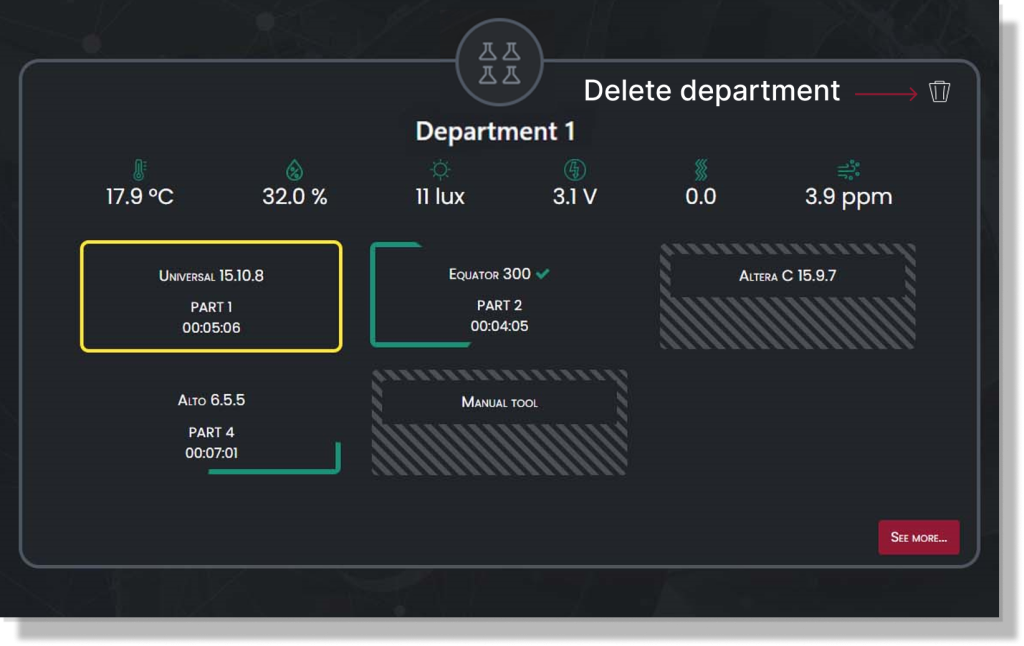
Now, from Department dashboard you delete the single Department. But, be careful! Once deleted, you can restore it again and data will be deleted permanently.
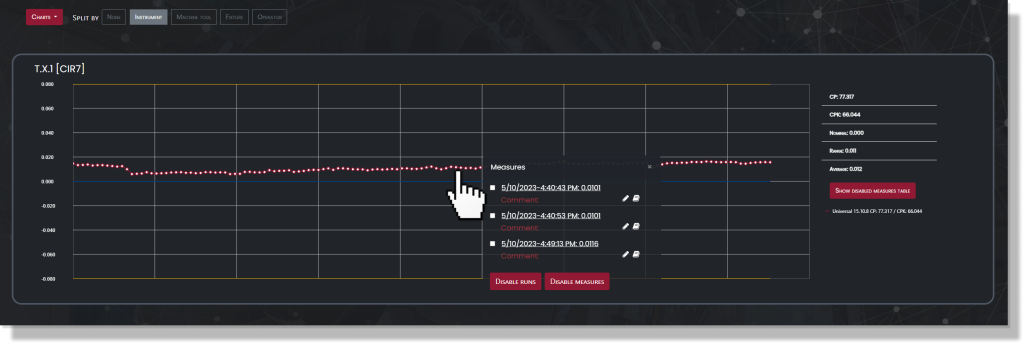
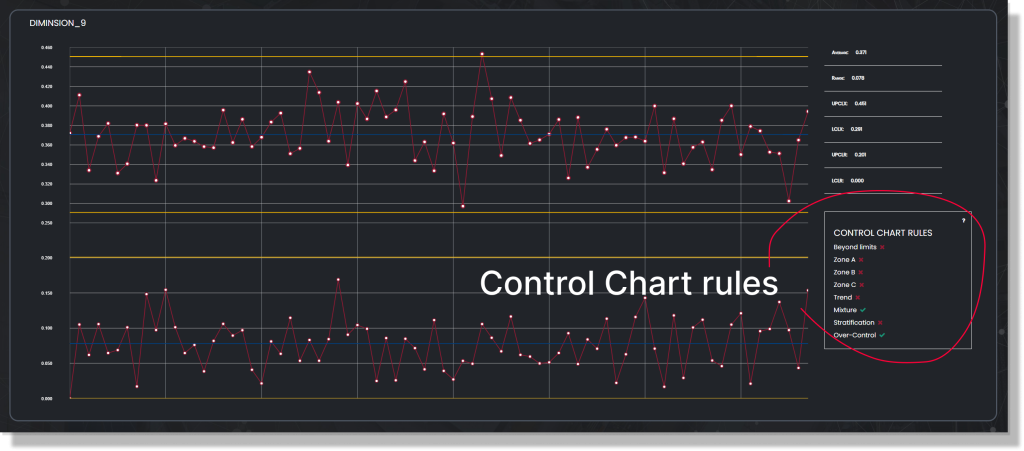
We have added the 8 Control Chart rules interpretation for Statistical Process Control analysis.
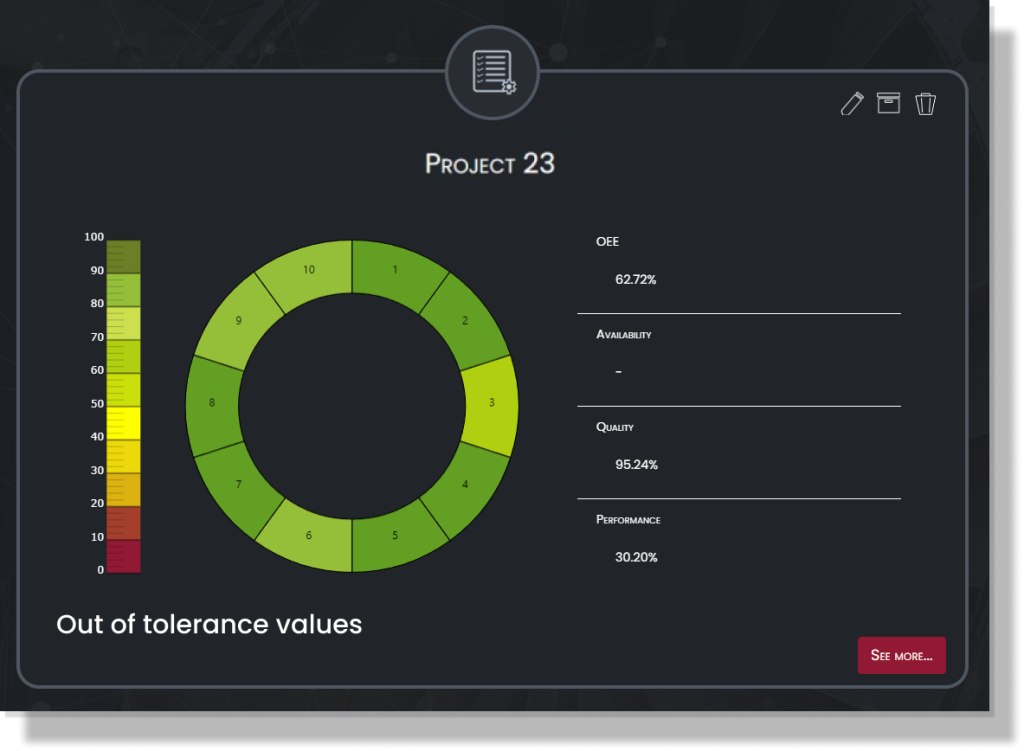
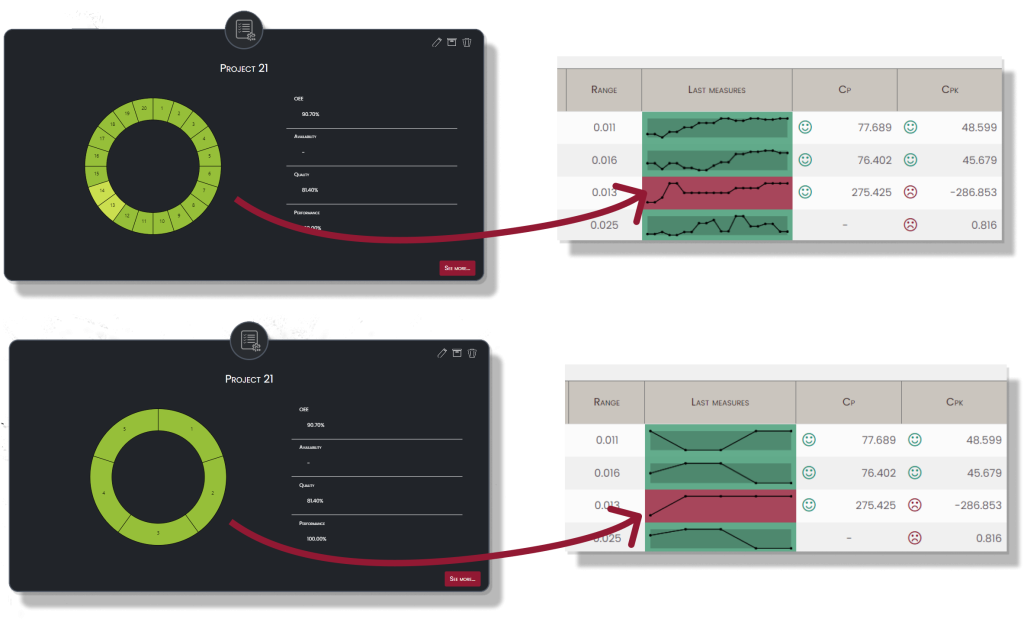
Improved UI in Project dashboards by adding a gradient legend for OOT values.
Metrology Gate 2.14 (November, 2023)
WE HAVE IMPROVED SOME UI AND REPORT FIXING
Still working on improving the interface and user experience of our dashboards.
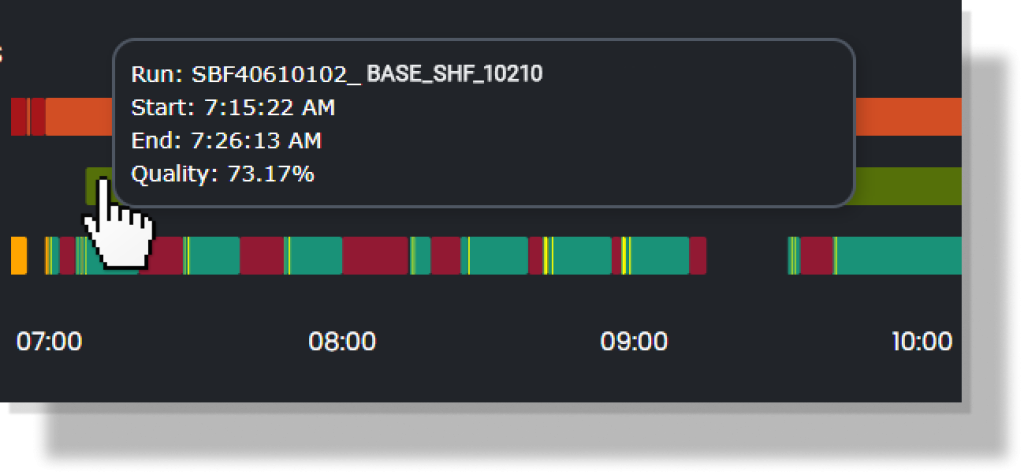
From the Daily Activity dashboard now you can go directly to the detailed run simply by clicking on the run bar. A series of tooltips will inform the user quickly on what’s happening.
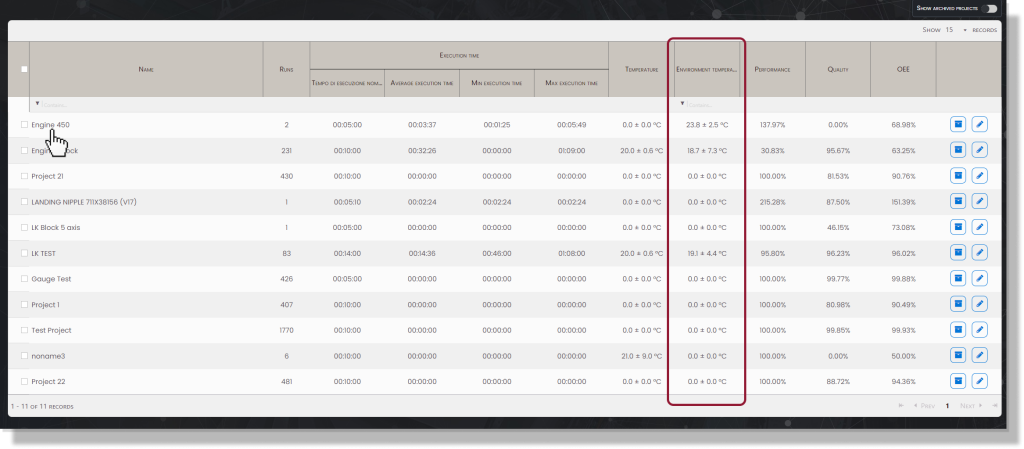
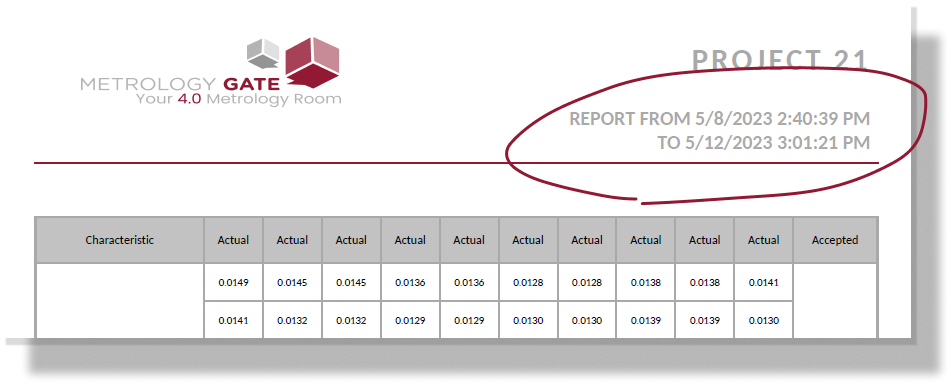
We have made improvements and corrected some of the reports. The formatting has been fixed and the ‘from-to’ headline has been added to All measure reports.
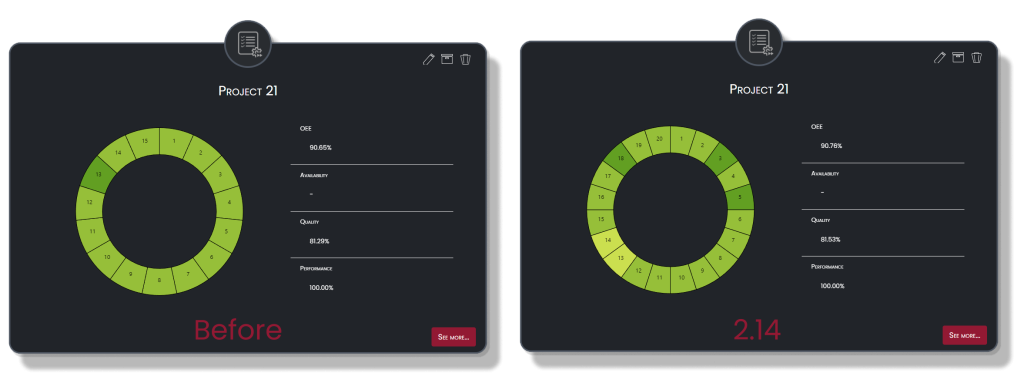
The OEE value now is definitely fixed and takes count of the disabled runs.
Metrology Gate 2.13 (September, 2023)
WE HAVE IMPROVED SOME UI AND REPORT FIXING
Still working on improving the interface and user experience of our dashboards.
From the Daily Activity dashboard now you can go directly to the detailed run simply by clicking on the run bar. A series of tooltips will inform the user quickly on what’s happening.
We have made improvements and corrected some of the reports. The formatting has been fixed and the ‘from-to’ headline has been added to All measure reports.
The OEE value now is definitely fixed and takes count of the disabled runs.
Metrology Gate 2.13 (September, 2023)
MINOR FIXING AND IMPROVED UI AND UX IN THE DAILY ACTIVITY DASHBOARD
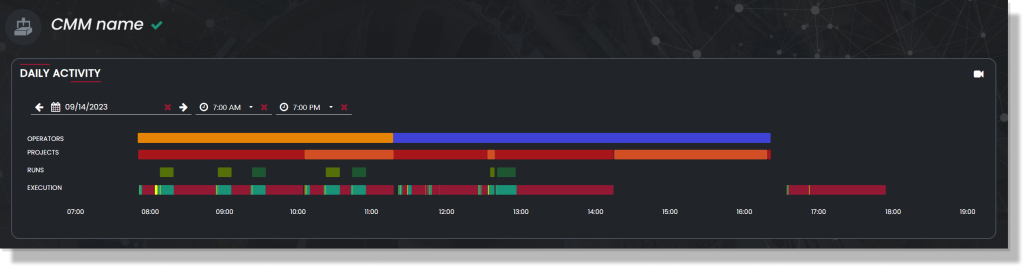
For this release, as you previously requested, we have improved the UI and UX in the Daily Activity dashboard on the single-machine page. Now the labels indicate the Operators, Projects, Runs, and Execution.
Besides, hovering over each bar you can view all the information about the current sessiona, such as operators, runs, name of the program, and execution time.
Metrology Gate 2.12 (June, 2023)
NEW LANGUAGE SUPPORT, PROJECT MANAGEMENT, AND IMPROVED UI
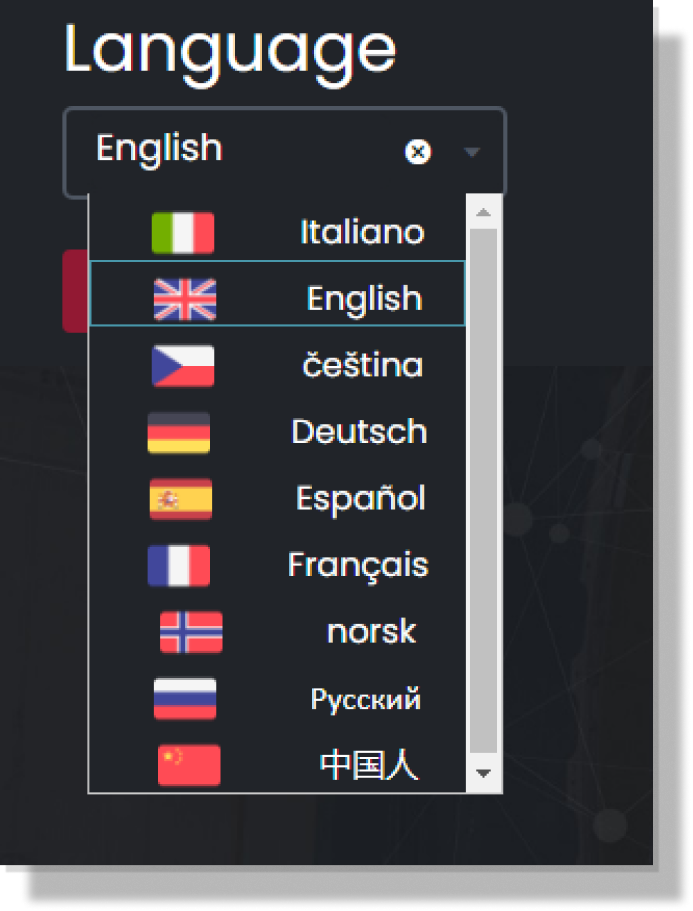
Finally, you can use Metrology Gate in English, Spanish, Italian, German, French, Czech, Russian, Chinese (simplified), and Norwegian.
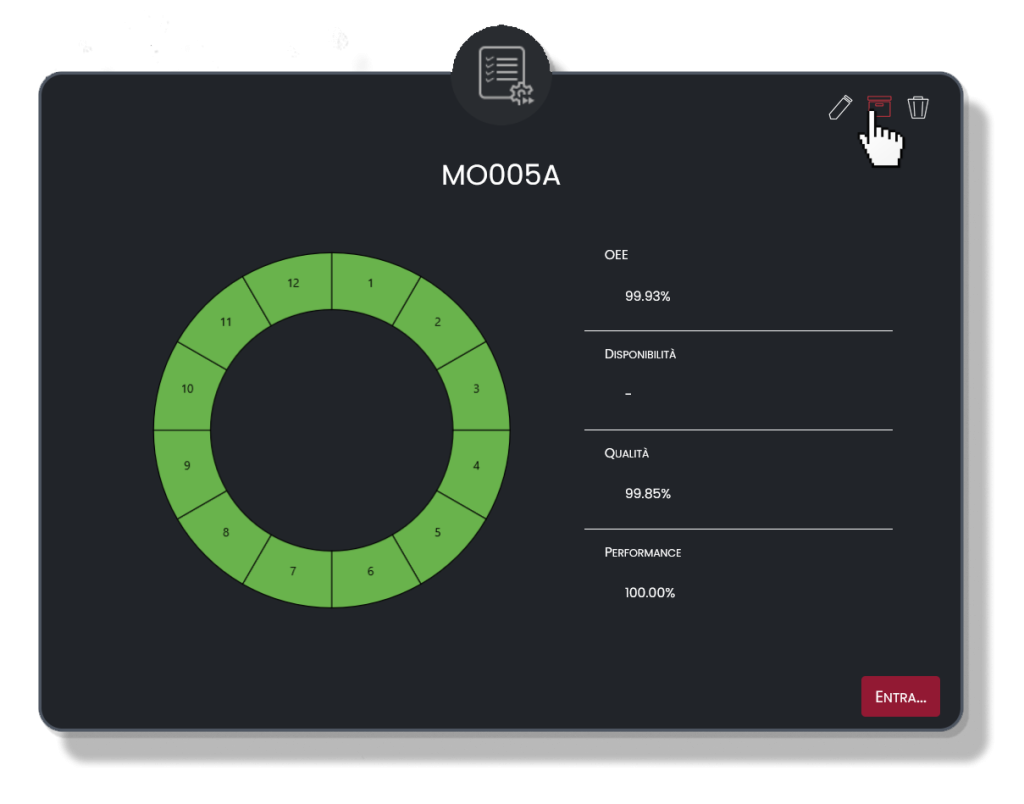
We have added options for further project management, including archive, rename, and delete options. You can now archive a project if you no longer need it simply by clicking the Box icon at the top of each Project.
The new Edit project window allows to edit aliases, view of the last runs, and customize CP/CPK – CG/CGK values based on customer needs.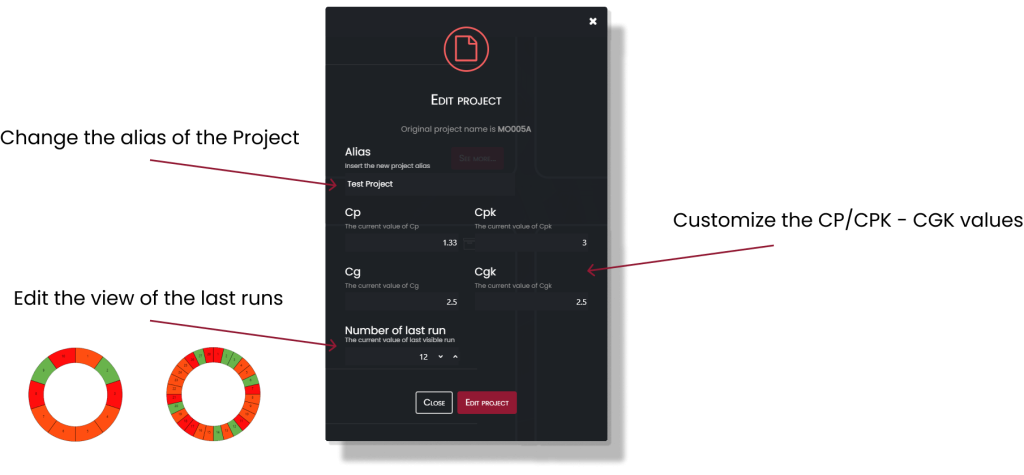
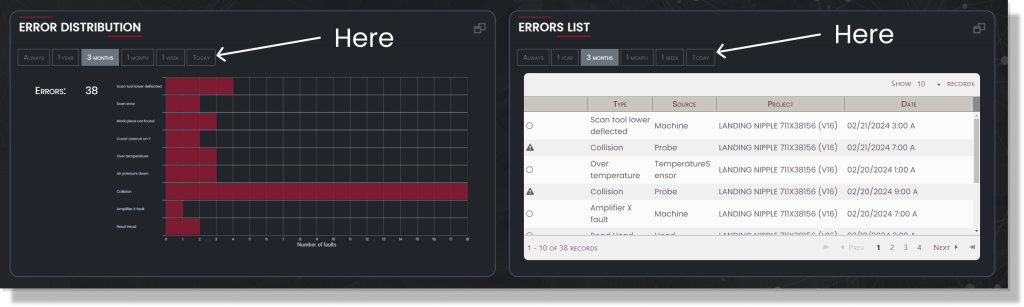
We improved UI and UX on charts, including new filter buttons, tool-tip, and different information.